 Orbit
OrbitNo account. No connection. No waiting.
Everything is stored on the phone, so there is no loading state — nothing to fetch. It works the same in aeroplane mode as on wifi, signed in or not.
A task manager for Android. No account, no connection, and no server that has your data.
What it does
Everything is stored on the phone, so there is no loading state — nothing to fetch. It works the same in aeroplane mode as on wifi, signed in or not.
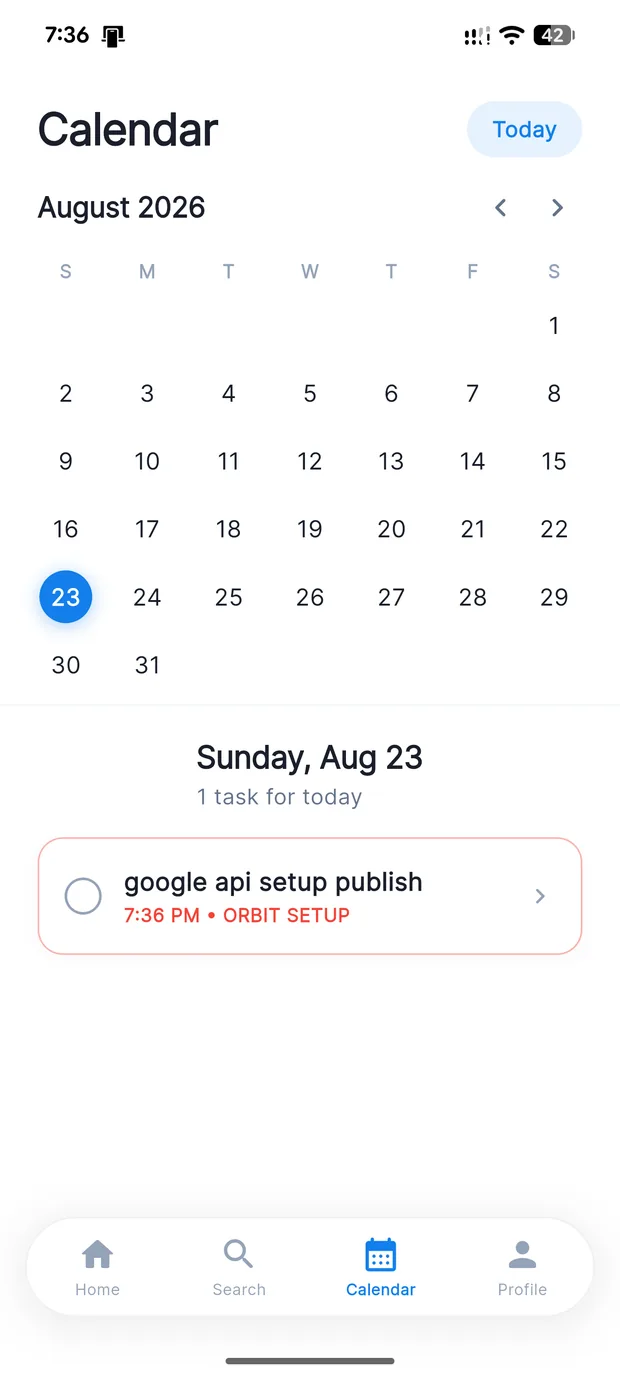
Most apps roll one checkbox forward, so yesterday disappears. Orbit records each day separately — a day you skipped stays missed, and the calendar keeps the real history.
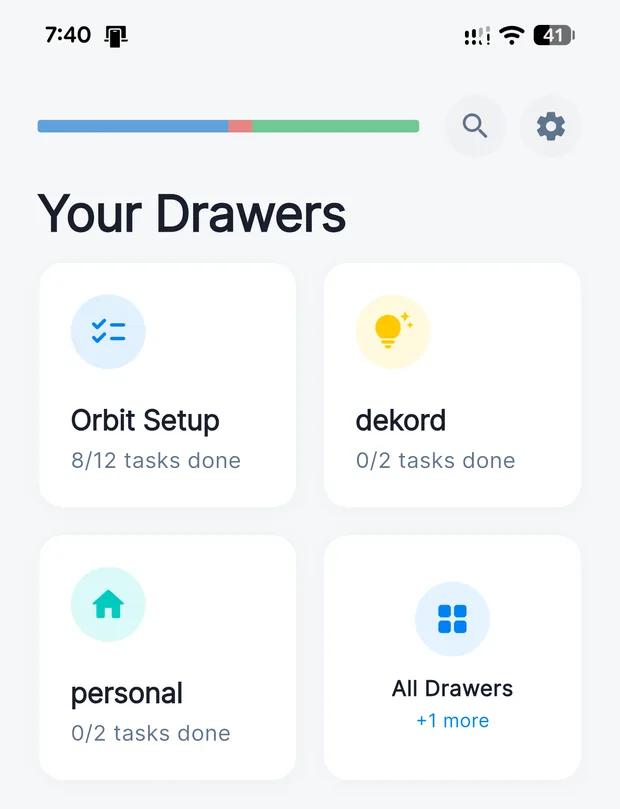
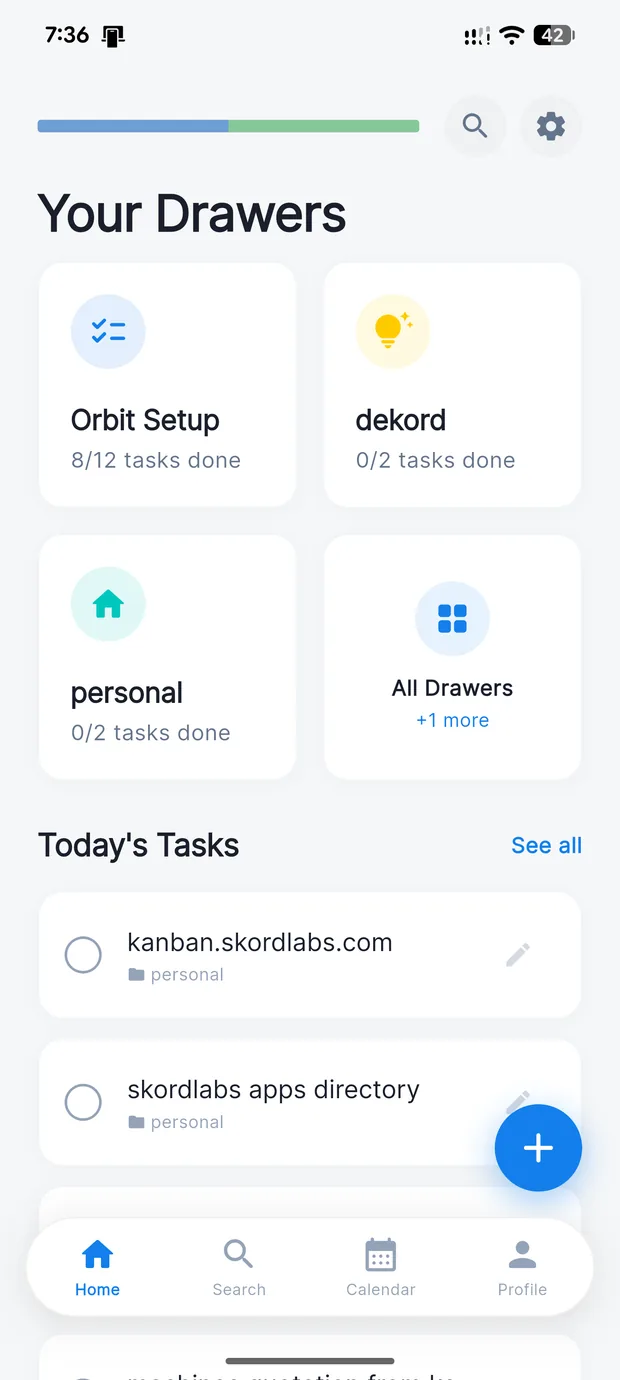
Colour- and icon-coded lists. Your most-used sit on the home screen, the rest in All Drawers.
Day start, an hour out, ten minutes out, and at the deadline. Scheduled on the device as exact alarms — no push server involved.
One-off and repeating together, with done and missed days marked.
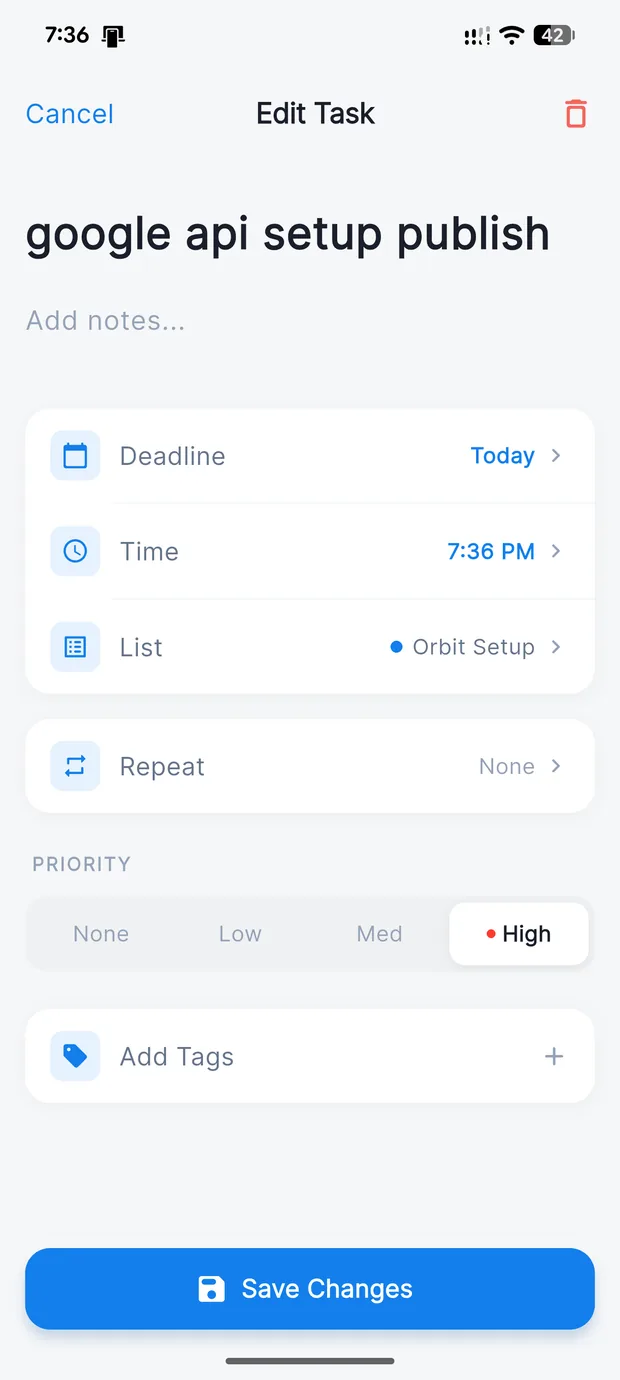
Deadlines, priority, notes and tags — there when they help, ignorable when a task is one line.
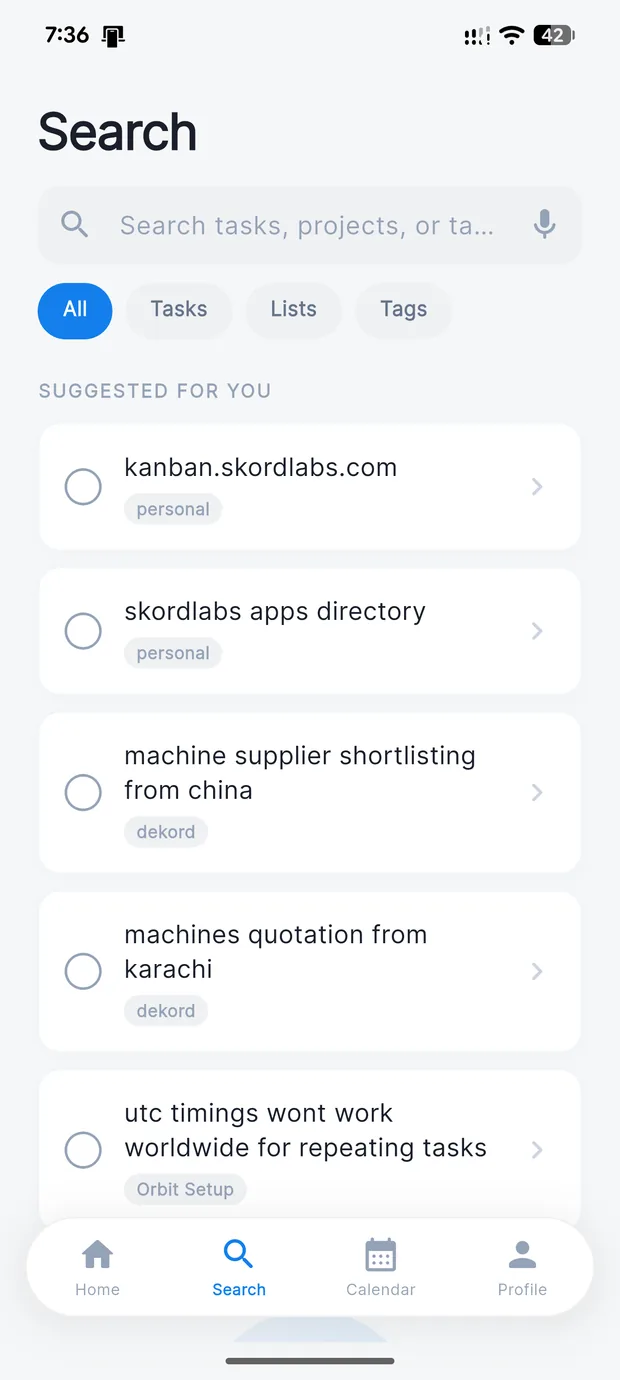
One field across titles, notes and tags, so half a remembered word is enough.
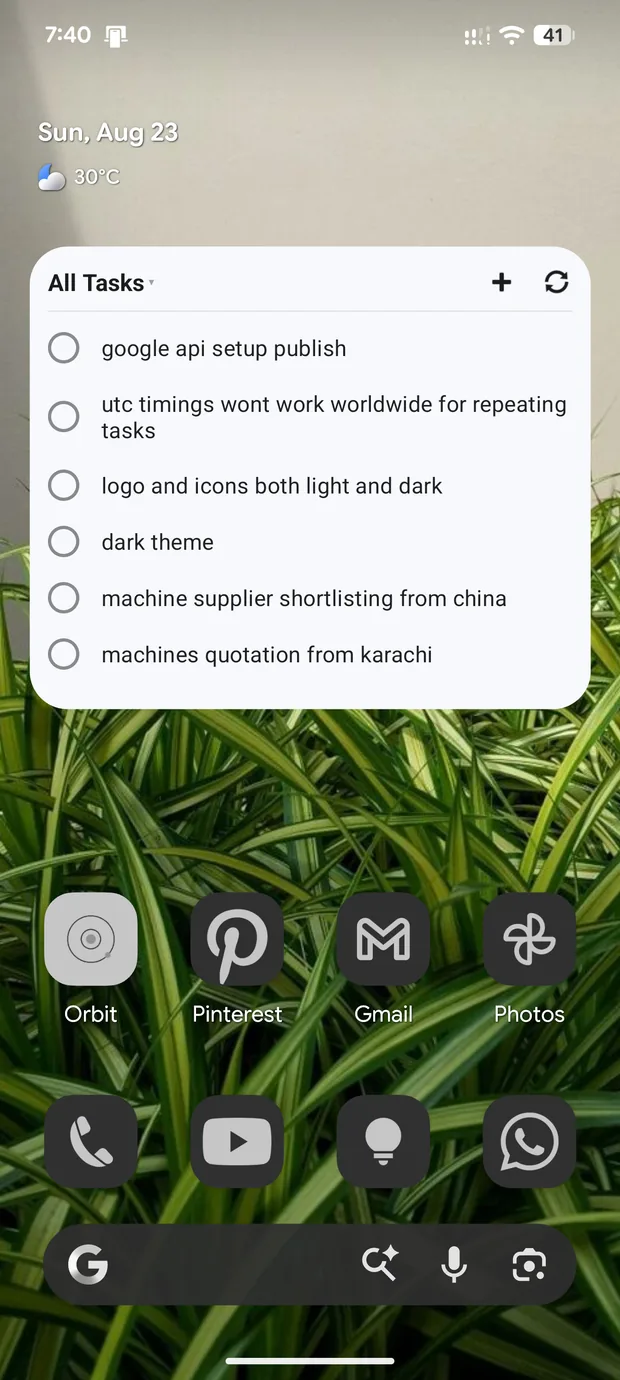
Tick tasks off and switch drawers without opening the app.
One short tip a day at noon, in your timezone. Not a feed, and it tracks nothing.
Optional, off by default, and it goes to a private folder in your own Google Drive — the only cloud Orbit touches.
Your data stays yours
Not a promise to handle your data carefully — we never get a copy of it.
Screens
A 21.2 MB download for Android 7.0 (API 24) and newer. Checksums and install steps are on the download page.